REINER SCT Login Business Edition
Annual license for 10 employees

REINER SCT Login Business Edition annual license for 10 employees

  • Securing all Windows users using 2-factor authentication
  • Global standard with TOTP code using QR code (RFC standard 6238)
  • Compatible with hardware from REINER SCT
  • Technology from Germany

Product description REINER SCT Login
Business Edition

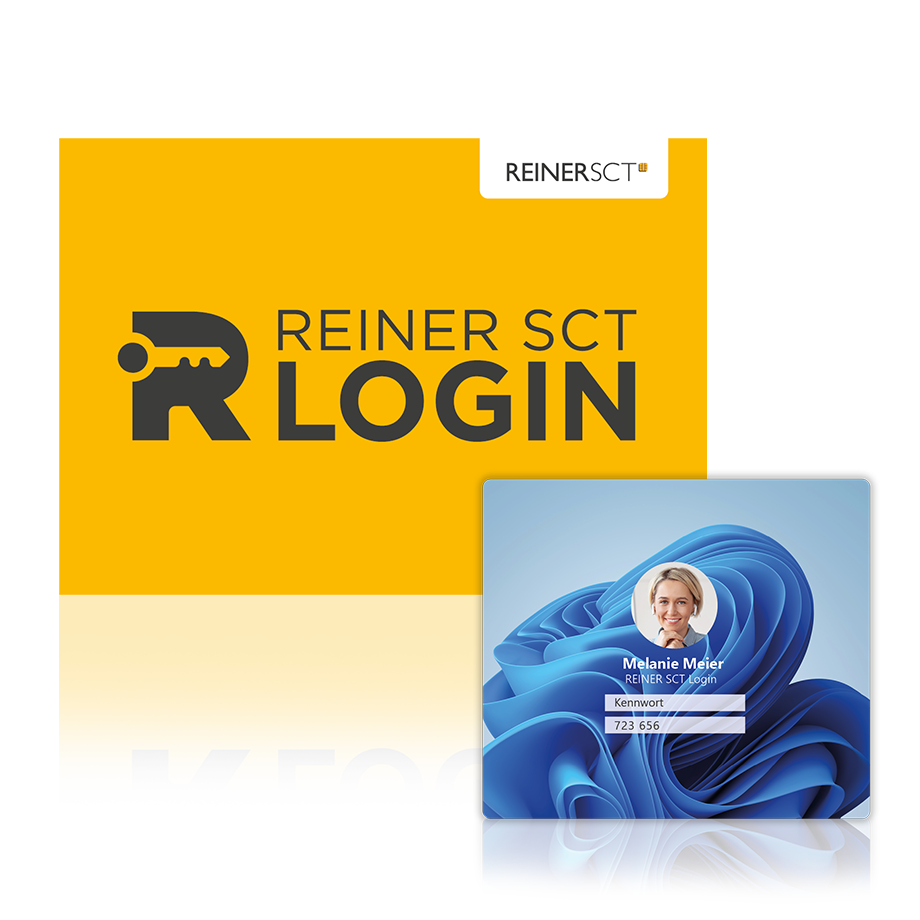
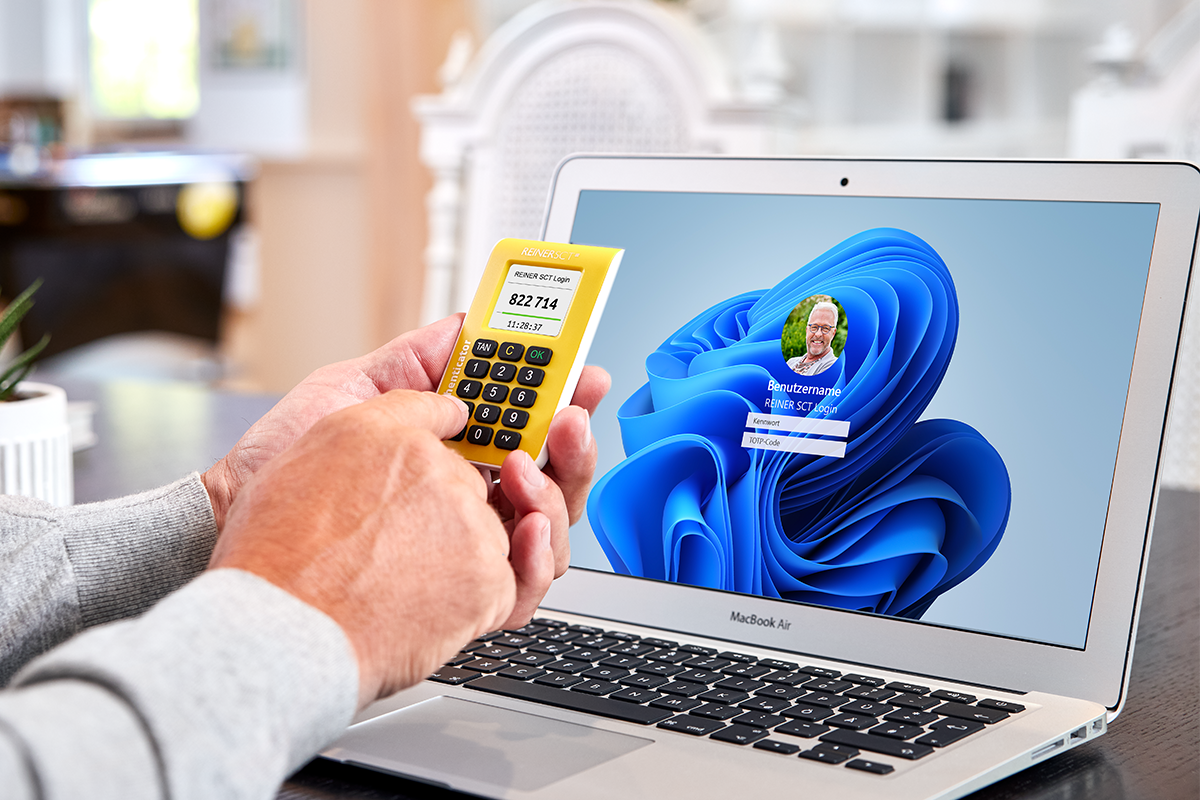
With REINER SCT Login you can secure your Windows user accounts with an additional 2-factor authentication and thus effectively prevent unwanted access. The protection is based on the global TOTP standard using a QR code and is compatible with REINER SCT hardware.

Technical data

Features

Keine Case Studies zu diesem Produkt vorhanden

Frequently asked questions

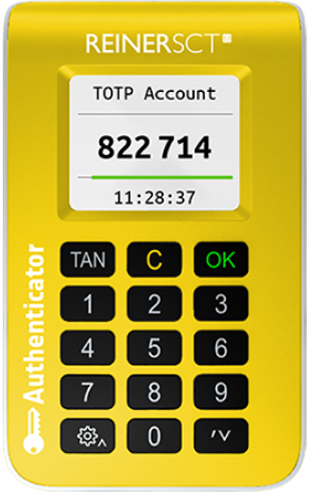
The REINER SCT Authenticator can protect up to 60 accounts via 2FA.


Although 2FA offers an additional layer of security, it is not one hundred percent error-free. Nevertheless, it is far more secure than using passwords alone. The most secure type of 2FA is protection with a TOTP hardware device such as the REINER SCT Authenticator.


No, 2FA can also be used to access physical devices or resources to further improve security.


  1. Install the REINER SCT Login software on your Windows computer.
  2. Activate TOTP authentication in the software.
  3. Scan the generated QR code with a TOTP-compatible authenticator, we recommend the REINER SCT Authenticator mini.
  4. Enter the one-time code generated in the app for confirmation.
  5. After successful setup, you must enter the current TOTP code in addition to your password each time you log on to Windows.

Detailed installation instructions for REINER SCT Login can be found in the REINER SCT support portal. The steps required for installation and configuration are described in detail there.


Two-factor authentication (2FA) is a security mechanism in which two different factors are used to confirm the identity of users.


The product has been added to the shopping cart Show shopping cart