tanJack® easy

tanJack®easy

Small tool, great convenience

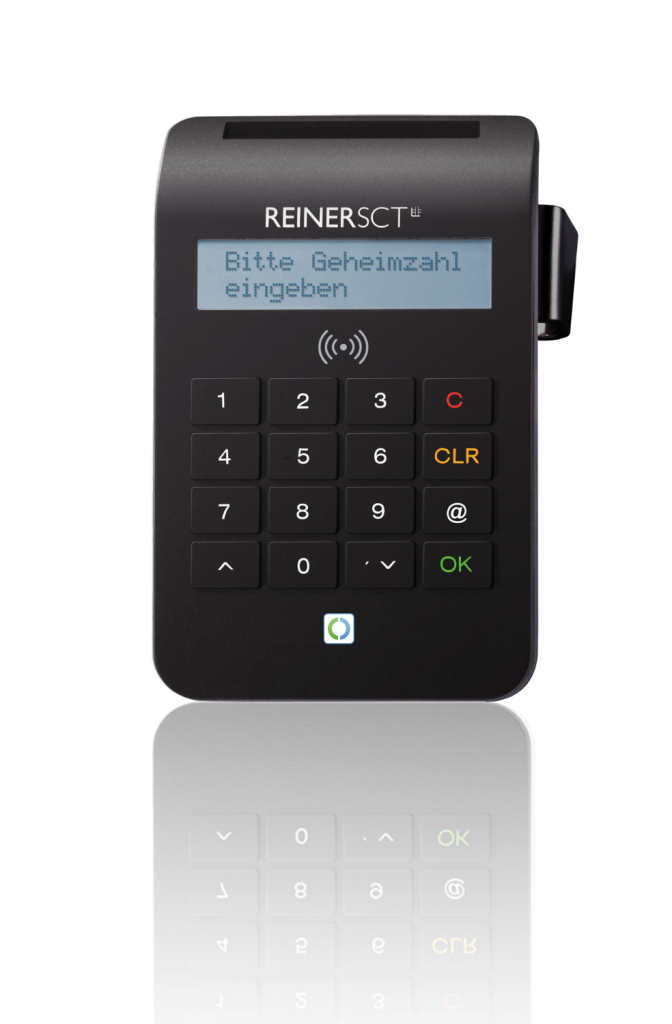
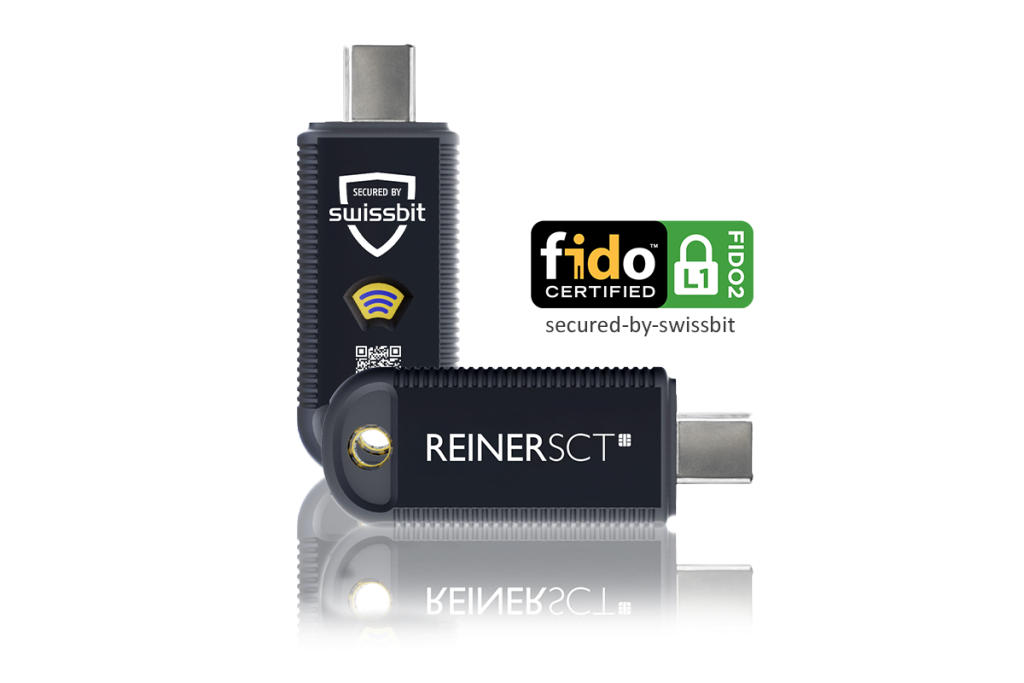
ThetanJack® easy software converts the flicker code so that you can conveniently use your USB TAN generator or chip card reader with chipTAN function in browser banking or with banking software.

Download for Windows 7: Download
Download for Windows 8.x + 10: Download

Product description
tanJack® easy

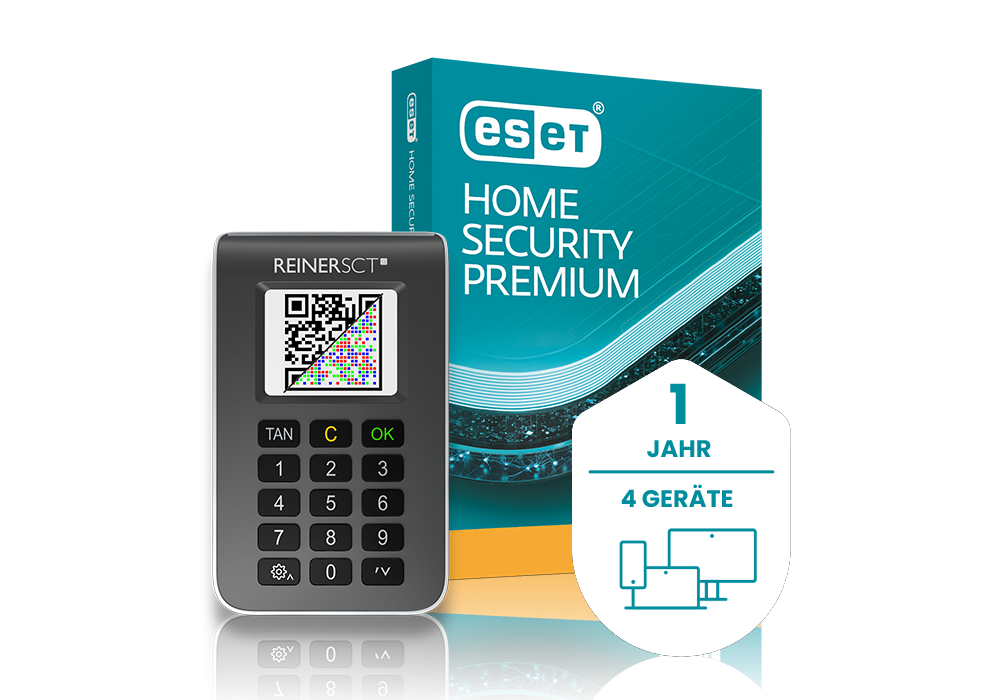
In addition,tanJack®easy optionally converts the flicker code into a chipTAN QR code so that you can use a tanJack®QR or tanJack® photo QR TAN generator.

The software runs in the background and recognizes the flicker code automatically. The data is sent to the reader, where the transaction data is visualized on its display as usual and confirmed by you. After the TAN has been generated in the USB TAN generator or chip card reader with chipTAN function, it is stored in the clipboard of your PC and can then be conveniently pasted into the TAN field. There is no need to type in the TAN.

The high level of security of the chipTAN or Sm@rt-TAN procedure, which has been tried and tested millions of times, is fully retained.

Features

Keine Case Studies zu diesem Produkt vorhanden

Frequently asked questions

No, the new card technology will only be issued gradually. All new cards (including those from other banks) are expected to be equipped with the new technology from mid-2022 and will therefore no longer work with chipTAN optic-TAN generators.


The technology of the girocard has been further developed. This is why the new girocard is no longer compatible with the optic TAN generators.


In the REINER SCT online store


The TAN generator calculates a six-digit TAN from the transmitted data. It is charged separately for each transaction and is only valid for a short time and only for this one order. Enter this number in the field provided in the online banking area to finalize the transfer.


When inserting the new Sparkassen-Card / DKB Girocard, “Error 00” appears on the display.


The product has been added to the shopping cart Show shopping cart